
Advance Diploma in Computer Application Course
Expand your technological expertise with our Computer Application Course, designed for those looking to master essential software and applications. Offered by our esteemed academy, this course covers a wide range of topics including office productivity tools, database management, and multimedia applications. Our institute’s classes combine practical training with expert coaching to help you develop the skills needed for various computer applications and improve your efficiency in a digital environment. Whether you’re aiming to boost your career or enhance your personal skills, our training institute offers the knowledge and support you need. Enroll in our Computer Application course today and become proficient in essential computer applications.

Advance Diploma in Computer Application Course Module
- Before/After - Face cleaning
- Photo Background Removal
- Photo Cleaning & Cloning
- Photo Manipulation
- Photo Restoration
- Photo Stitching
- Photo Shading
- Photo Watermark
- Photo Bordering
- Image Cropping
- Photo Enhancement
- Photo Path - Masking
- Photo Coloring
- Photo/Image Re-touching
- eCommerce Products Editing
- Web base Graphic Designing
- Website Wireframe Design
- Website Layout Design
- Mobile Responsive Layout Design
- Designing for mobile devices
- Responsive web design
- UX Research & Design Thinking
- Wireframe Design
- Prototype Design
- User Experience Design (UXD)
- Mockup Design
- Mobile Icon Design
- Mobile App Design
- What is WordPress?
- The difference between WordPress.com and WordPress.org
- Setting up a local development environment
- Installing WordPress on a hosting server
- Basic settings and configuration
- Managing users and permissions
- Creating posts and pages
- Working with categories and tags
- Adding media (images, videos, etc.)
- Understanding WordPress themes
- Theme installation and activation
- Customizing themes with the Customizer and CSS
- Introduction to theme development
- Custom post types and templates
- Introduction to the plugin & its usage
- Install Plugin and Implement
- Advanced features: custom fields, widgets, and shortcodes
- Introduction Of C
- Structure of C programming
- Keyword in C
- Variable in C
- Declaration of variable
- Data types in C
- Managing input and output operations
- Types of operator
- Arithmetic Operators
- Increment Decrement Operators
- Relational Operator
- Logical Operators
- Conditional statements
- If statement & If else statement
- Nested if statement & Else if ladder statement
- Switch statement
- Break statement
- Type of Loops, While loop, Do…while loop
- For loop & Nested Loop
- Go To statement
- Break statement
- Continue statement
- Math Function
- Arrays & Types Of Arrays
- Strings
- C++ Introduction
- Difference Between C & C++
- installation
- OOPS Concepts
- Constructor
- Destructor
- Pointer
- Static Keyword
- This Keyword
- Inheritance
- Polymorphism
- Abstraction
- Encapsulation
- Friend Function
- Function Overloading
- Function Overriding
- Virtual Function
- Name Spaces
- String
- Exception Handling
- Try/Catch Keyword
- File And Stream
- Introduction to HTML
- The basic structure of HTML document
- Common HTML tags and their functions
- Adding headings, and paragraphs to web
- pages
- Inserting images into web pages
- Creating hyperlinks in HTML
- Creating HTML tables
- Table elements (rows, columns, headers)
- Table formatting (cell padding, cell spacing,
- borders)
- HTML Lists
- unordered Lists
- ordered lists
- HTML Forms
- Form Input Types (Text, Password, Radio
- Buttons, Checkboxes, etc.)
- Form Validation
- CSS Syntax
- Types Of CSS (Inline, Internal, and External
- CSS)
- Text Properties (Text Color, Text
- Background Color)
- Box Model Properties (Margin, Padding,
- Border)
- Background Properties (Background-Color,
- Background-Image)
- CSS Position (Static, Relative, Fixed,
- absolute, Sticky
- JS Introduction
- JS Getting Started
- JS Syntax
- JS & DOM (Document Object Model)
- DOM Method
- DOM Elements
- DOM HTML
- DOM CSS
- DOM Forms
- DOM Animations
- DOM Events
- Introduction of JQuery
- jQuery Effects
- jQuery Hide/Show
- jQuery Fade
- jQuery Slide
- jQuery Animate
- jQuery stop()
- jQuery Callback
- jQuery Chaining
- jQuery HTML
- Bootstrap Introduction
- Bootstrap Getting Started
- Bootstrap Grid System
- Bootstrap Fixed Layout
- Bootstrap Fluid Layout
- Bootstrap Responsive Layout
- Bootstrap Tables
- Bootstrap Lists
- Bootstrap Forms
- Bootstrap Buttons
- Bootstrap Images
- Bootstrap Cards
- Bootstrap Icons
- Bootstrap Navbar
- Bootstrap Badges
- Bootstrap Progress Bars
- XAMPP Setup
- Print Hello World
- Datatypes
- variable declaration
- comments
- Operators
- Constant
- String
- Looping
- Functions
- Arrays In PHP
- for each loop
- Multidimensional arrays
- Difference between GET Method, POST Method, and Request
- Building Forms
- Retrieving submitted data
- Array functions
- String functions
- Date time functions
- Math Functions
- File Handling Function
- MySQL Functions
- Create Session
- Access & Destroy Session
- Isset() unset()
- Login Control Demo
- Setting a cookie
- Accessing cookie
- Destroying a cookie
- File Handling
- Mail() Example
- PHPMailer Library use
- OOPS Concepts
- SQL using MySQL
- Creating a database
- Selecting database
- Creating a table
- Inserting data into a table
- Show data from the table
- Drop table
- Drop database
- Constraints
- Import Export Database
- PHP MySQL Connection
- How to Write Query
- Store Record
- Fetch Record
- Edit Record
- Delete
- Sign Up & Login
- Change Password & Forgot Password
100% Practical Session
Work on LIVE Project
Personal To Personal Attention
FREE Softskill Training
FREE Personality Development
FREE Interview Preparation
100% Job Assistance
Get 2 days of Free Demo Class
PG & Hostels available Near
OUR PLACEMENT PARTNER



































OUR ALUMNI
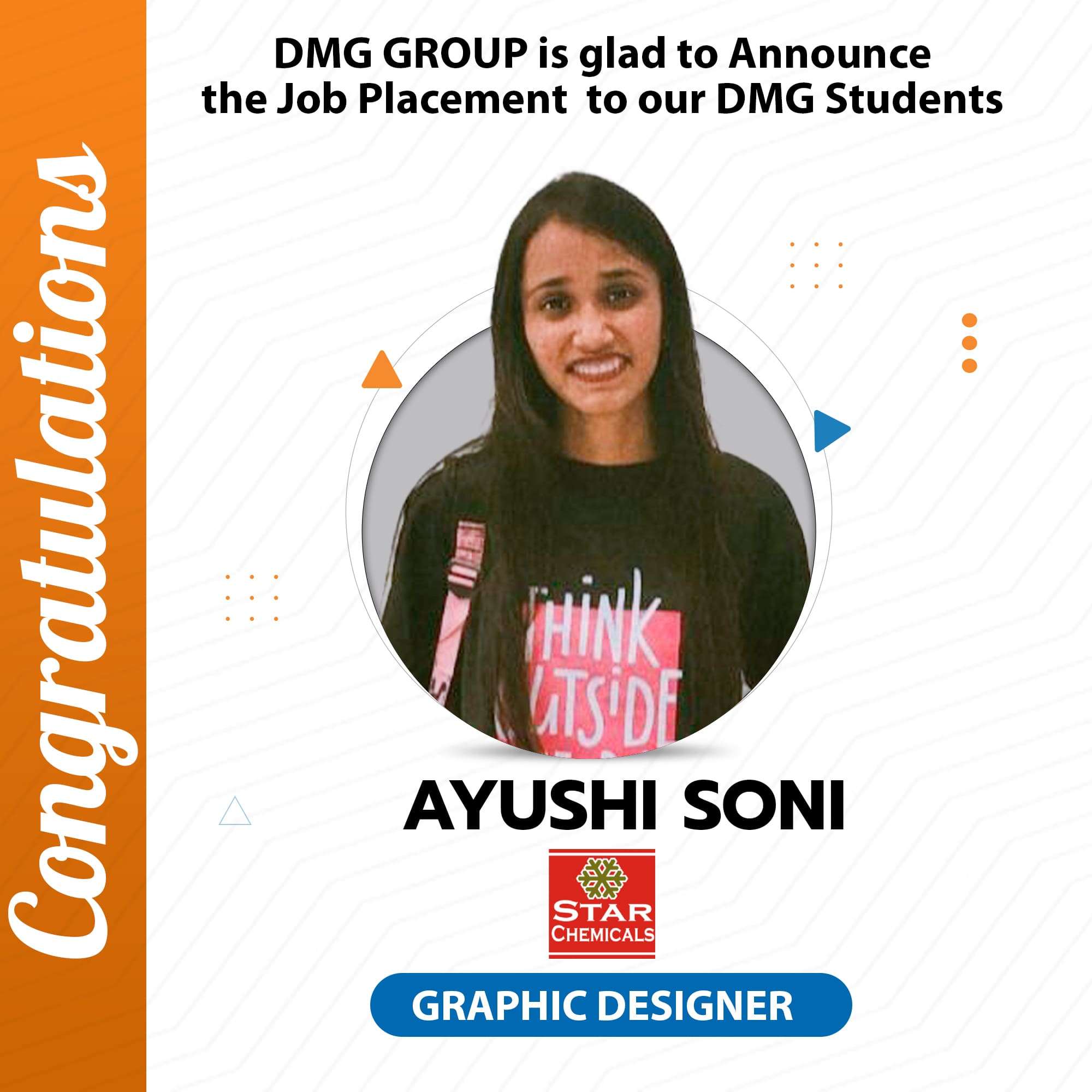

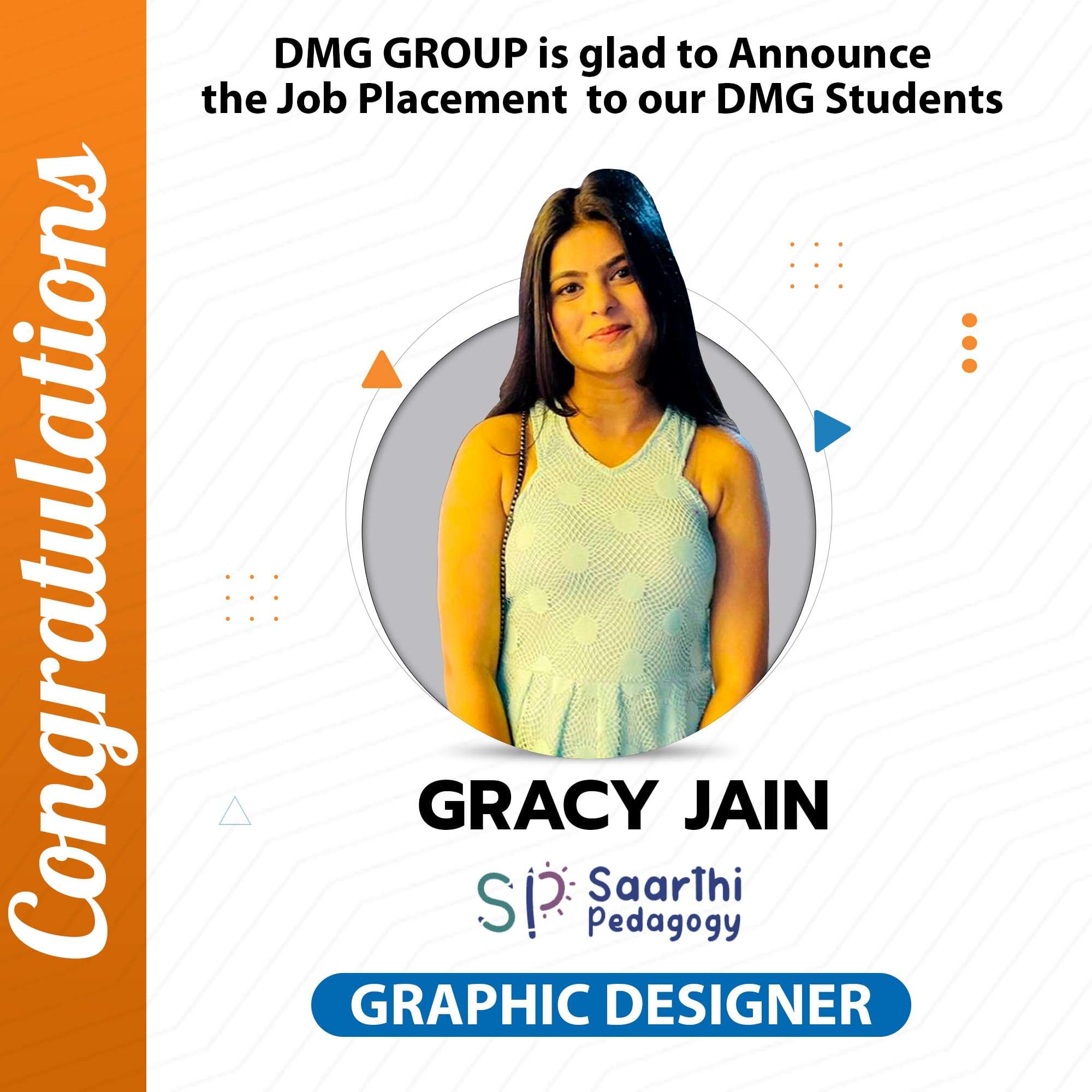

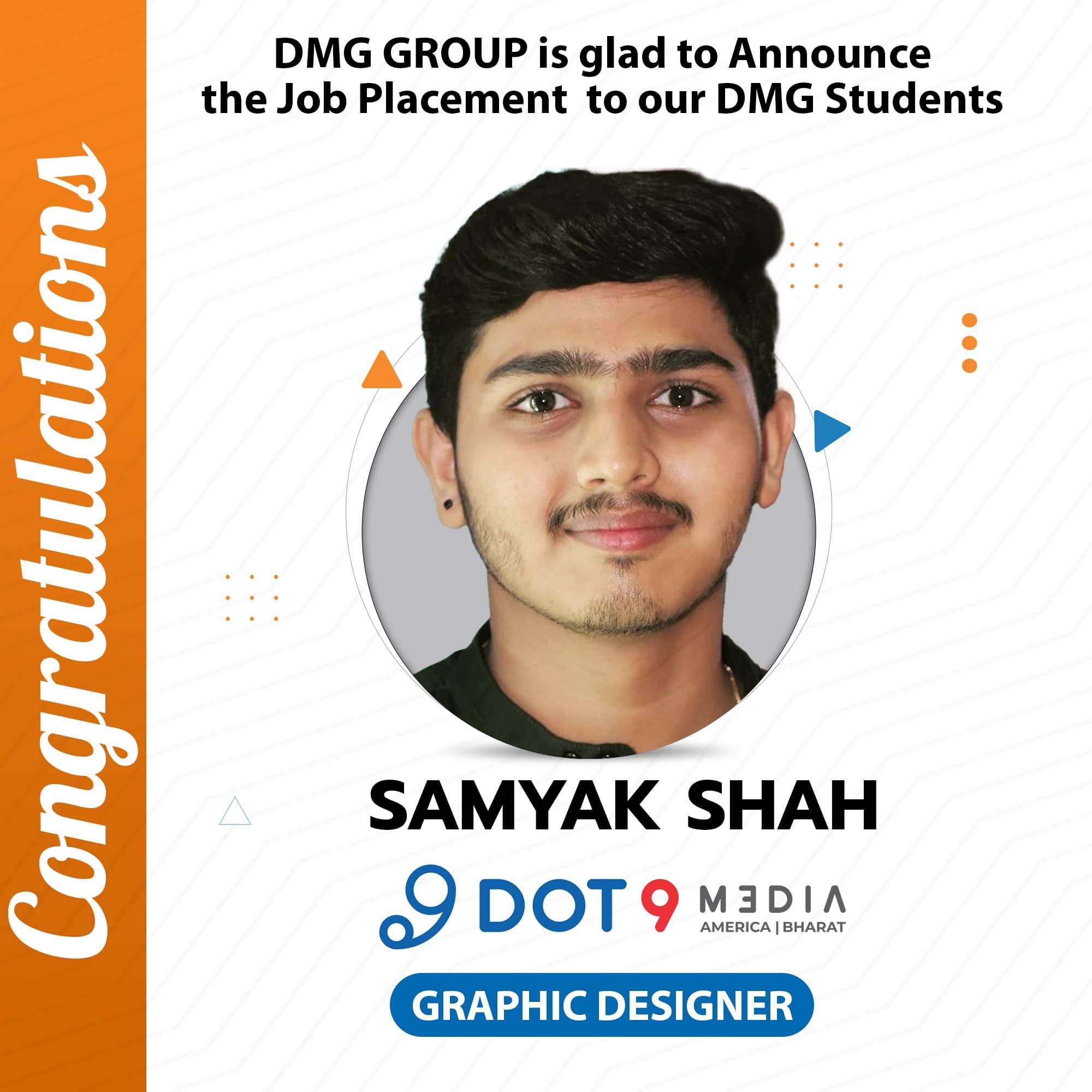



A Journey Of Students From Different Colleges To Our Graphic Design Institute