Full Stack Web Development Course
Elevate your web development skills with our Full Stack Web Development Course, designed for those looking to master both front-end and back-end technologies. Offered by our leading academy, this course provides a comprehensive curriculum covering HTML, CSS, JavaScript, server-side programming, and database management. Our institute’s classes include hands-on projects and expert coaching to ensure you gain practical experience and a robust understanding of full stack development. Whether you’re aiming to start a new career or advance your existing skills, our training institute offers the expertise and resources you need. Enroll in our Full Stack Web Development course today and become a versatile web developer.

Full Stack Web Development Course Module
Image & Photo Editing
- Before/After - Face cleaning
- Photo Background Removal
- Photo Cleaning & Cloning
- Photo Manipulation
- Photo Restoration
- Photo Stitching
- Photo Shading
- Photo Watermark
- Photo Bordering
- Image Cropping
- Photo Enhancement
- Photo Path - Masking
- Photo Coloring
- Photo/Image Re-touching
- eCommerce Products Editing
Website Designing
- Web base Graphic Designing
- Website Wireframe Design
- Website Layout Design
Mobile and Responsive Design
- Mobile Responsive Layout Design
- Designing for mobile devices
- Responsive web design
UI/UX Design
- UX Research & Design Thinking
- Wireframe Design
- Prototype Design
- User Experience Design (UXD)
- Mockup Design
- Mobile Icon Design
- Mobile App Design
Introduction to WordPress
- What is WordPress?
- The difference between WordPress.com and WordPress.org
- Setting up a local development environment
WordPress Installation and Configuration
- Installing WordPress on a hosting server
- Basic settings and configuration
- Managing users and permissions
Creating Content with WordPress
- Creating posts and pages
- Working with categories and tags
- Adding media (images, videos, etc.)
Customizing Themes
- Understanding WordPress themes
- Theme installation and activation
- Customizing themes with the Customizer and CSS
Developing Custom Themes
- Introduction to theme development
- Custom post types and templates
Plugin Install and Advanced Features
- Introduction to the plugin & its usage
- Install Plugin and Implement
- Advanced features: custom fields, widgets, and shortcodes
HTML
- Introduction to HTML
- The basic structure of HTML document
- Common HTML tags and their functions
- Adding headings, and paragraphs to web
- pages
- Inserting images into web pages
- Creating hyperlinks in HTML
- Creating HTML tables
- Table elements (rows, columns, headers)
- Table formatting (cell padding, cell spacing,
- borders)
- HTML Lists
- unordered Lists
- ordered lists
- HTML Forms
- Form Input Types (Text, Password, Radio
- Buttons, Checkboxes, etc.)
- Form Validation
CSS
- CSS Syntax
- Types Of CSS (Inline, Internal, and External
- CSS)
- Text Properties (Text Color, Text
- Background Color)
- Box Model Properties (Margin, Padding,
- Border)
- Background Properties (Background-Color,
- Background-Image)
- CSS Position (Static, Relative, Fixed,
- absolute, Sticky
JAVASCRIPT
- JS Introduction
- JS Getting Started
- JS Syntax
- JS & DOM (Document Object Model)
- DOM Method
- DOM Elements
- DOM HTML
- DOM CSS
- DOM Forms
- DOM Animations
- DOM Events
JQUERY
- Introduction of JQuery
- jQuery Effects
- jQuery Hide/Show
- jQuery Fade
- jQuery Slide
- jQuery Animate
- jQuery stop()
- jQuery Callback
- jQuery Chaining
- jQuery HTML
BOOTSTRAP
- Bootstrap Introduction
- Bootstrap Getting Started
- Bootstrap Grid System
- Bootstrap Fixed Layout
- Bootstrap Fluid Layout
- Bootstrap Responsive Layout
- Bootstrap Tables
- Bootstrap Lists
- Bootstrap Forms
- Bootstrap Buttons
- Bootstrap Images
- Bootstrap Cards
- Bootstrap Icons
- Bootstrap Navbar
- Bootstrap Badges
- Bootstrap Progress Bars
Introduction of PHP
- XAMPP Setup
- Print Hello World
- Datatypes
- variable declaration
- comments
- Operators
- Constant
- String
- Looping
- Functions
- Arrays In PHP
- for each loop
- Multidimensional arrays
- Difference between GET Method, POST Method, and Request
- Building Forms
- Retrieving submitted data
- Array functions
- String functions
- Date time functions
- Math Functions
- File Handling Function
- MySQL Functions
- Create Session
- Access & Destroy Session
- Isset() unset()
- Login Control Demo
- Setting a cookie
- Accessing cookie
- Destroying a cookie
- File Handling
- Mail() Example
- PHPMailer Library use
- OOPS Concepts
PHP My-Admin Introduction
- SQL using MySQL
- Creating a database
- Selecting database
- Creating a table
- Inserting data into a table
- Show data from the table
- Drop table
- Drop database
- Constraints
- Import Export Database
- PHP MySQL Connection
- How to Write Query
- Store Record
- Fetch Record
- Edit Record
- Delete
- Sign Up & Login
- Change Password & Forgot Password
100% Practical Session
Work on LIVE Project
Personal To Personal Attention
FREE Softskill Training
FREE Personality Development
FREE Interview Preparation
100% Job Assistance
Get 2 days of Free Demo Class
PG & Hostels available Near
800+ Placement Partners
OUR PLACEMENT PARTNER
Disclaimer: We Would Like To Clarify That While Our Students Are Placed At The Esteemed Company Mentioned Direct Or indirectly, We Do Not Have A Direct Business Relationship With Them. The Rights To Their Logo Are Solely Retained By The Company Itself. We Utilize Their Logo Purely For The Purpose Of Acknowledging The Successful Placement Of Our Students.



































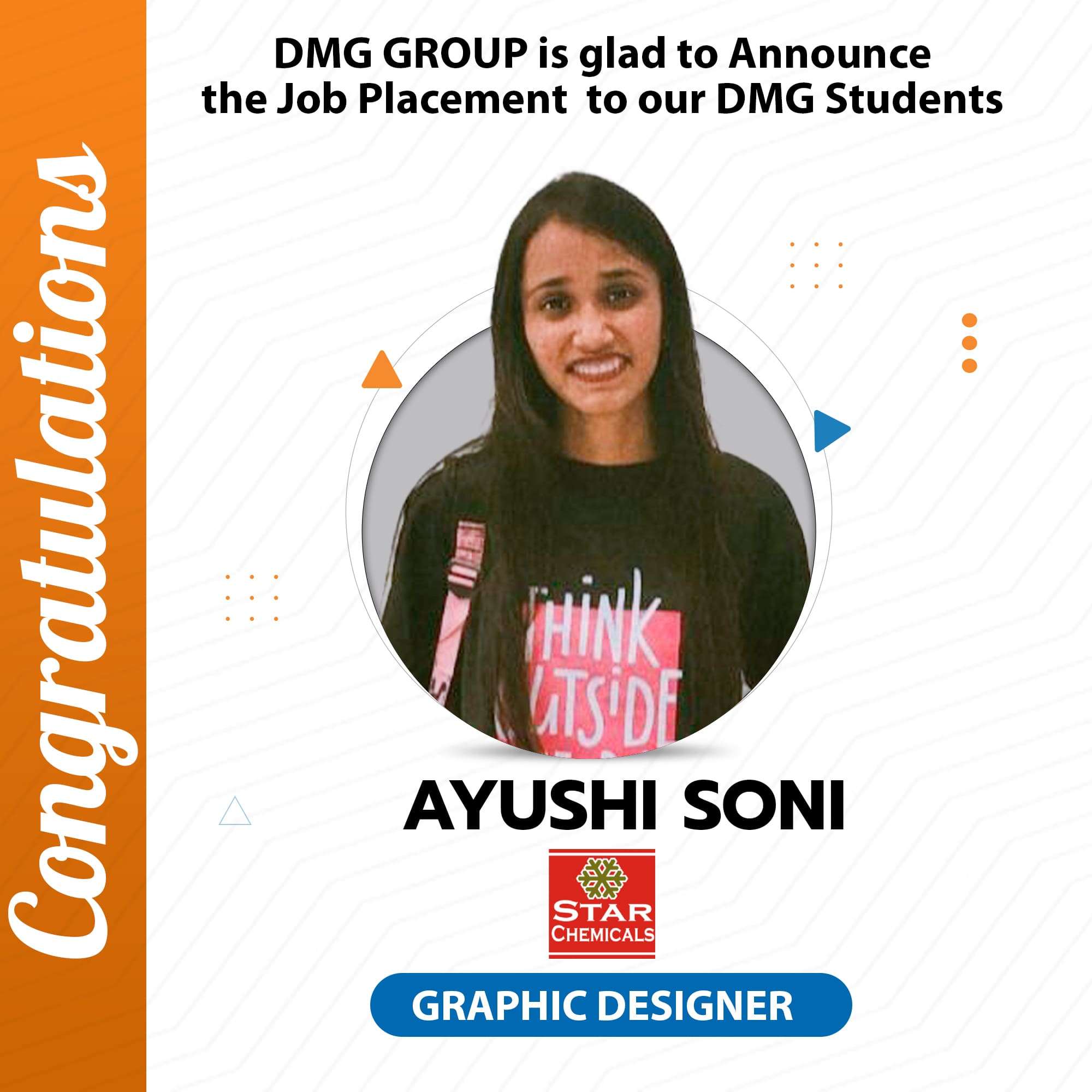
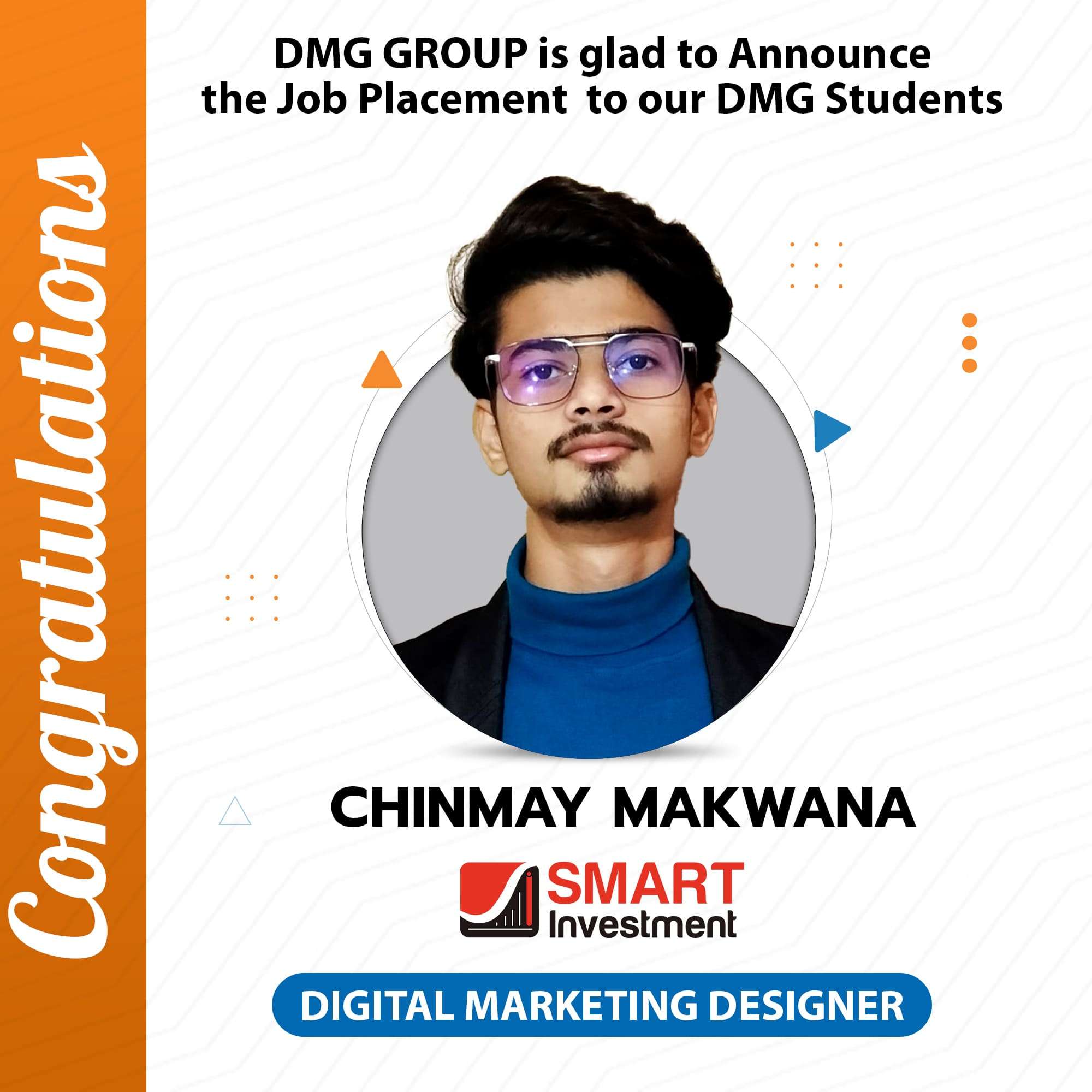
Meet Our Accomplished Alumni
OUR ALUMNI
Our alumni, a testament to the quality of education and training at our Graphic Design Institute, have established impressive careers in the worldwide design industry, working with top companies and creative agencies, showcasing their innovative designs and impactful contributions.
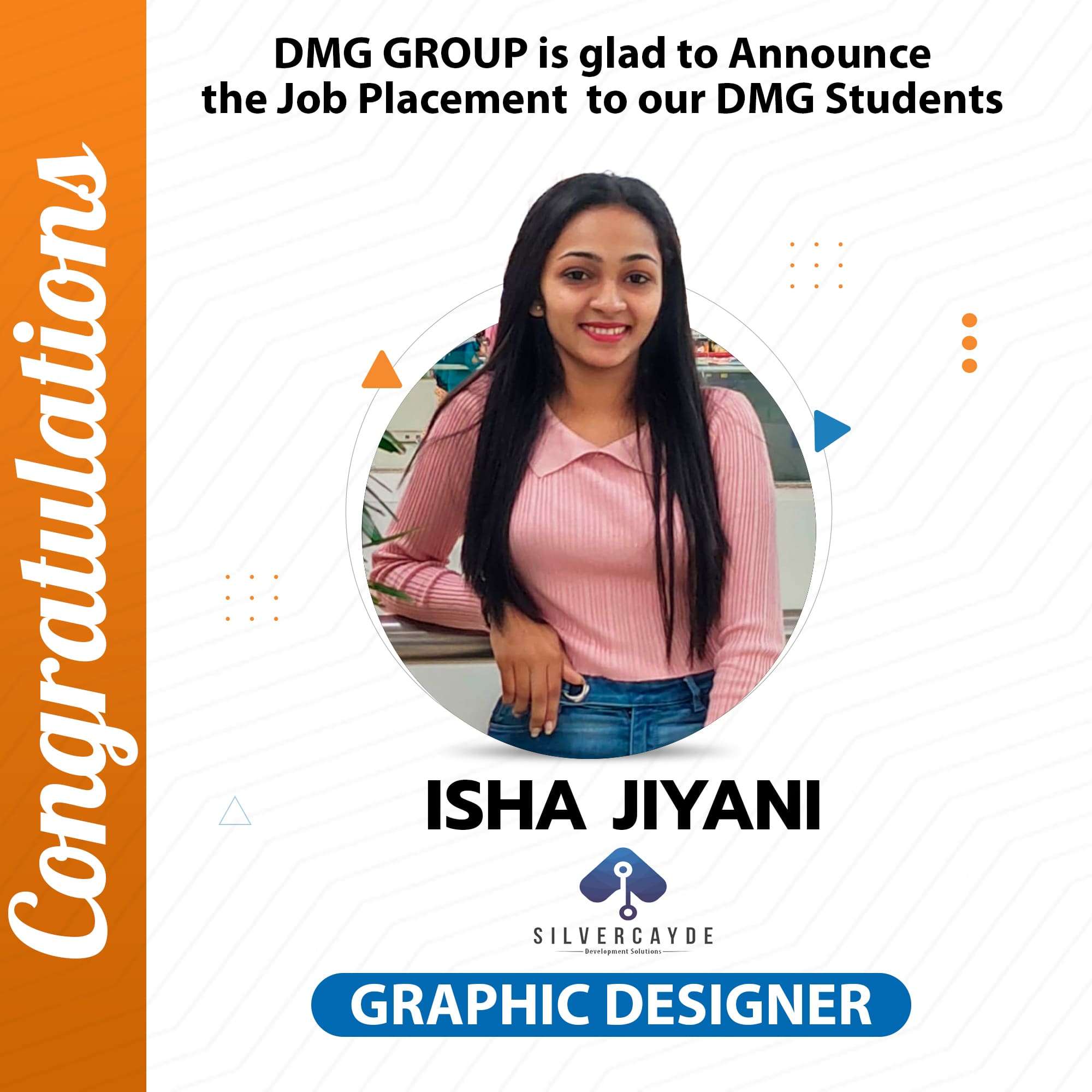
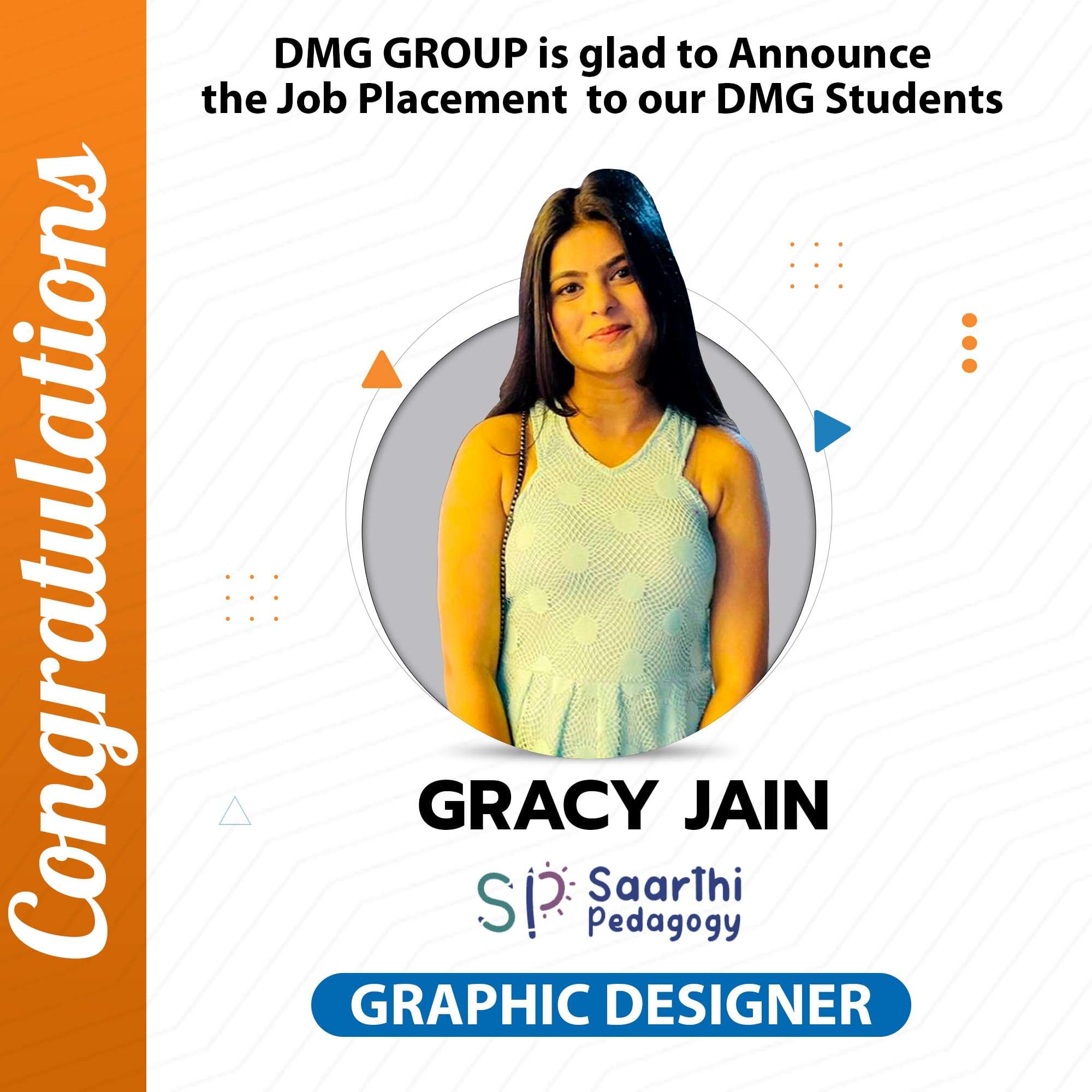
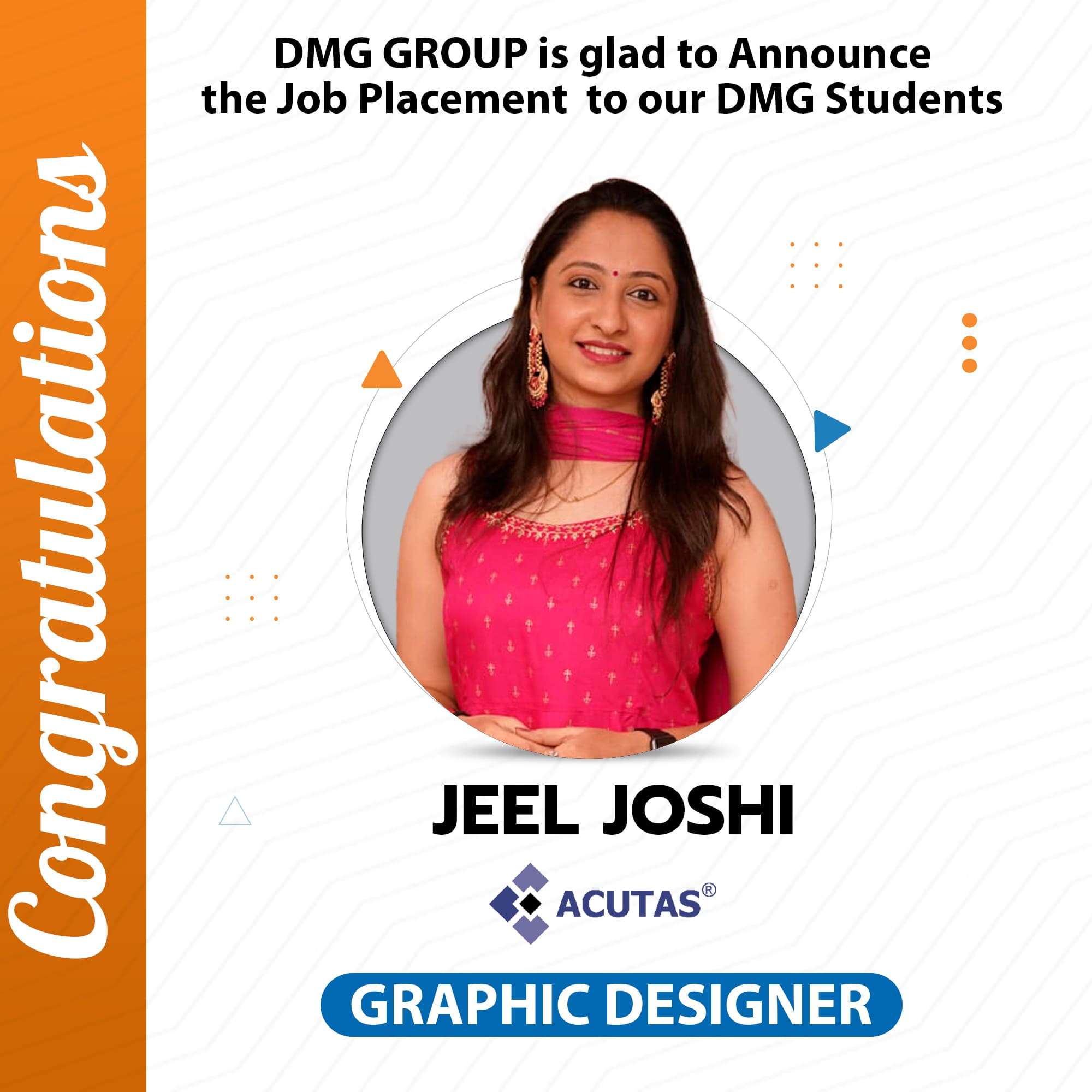
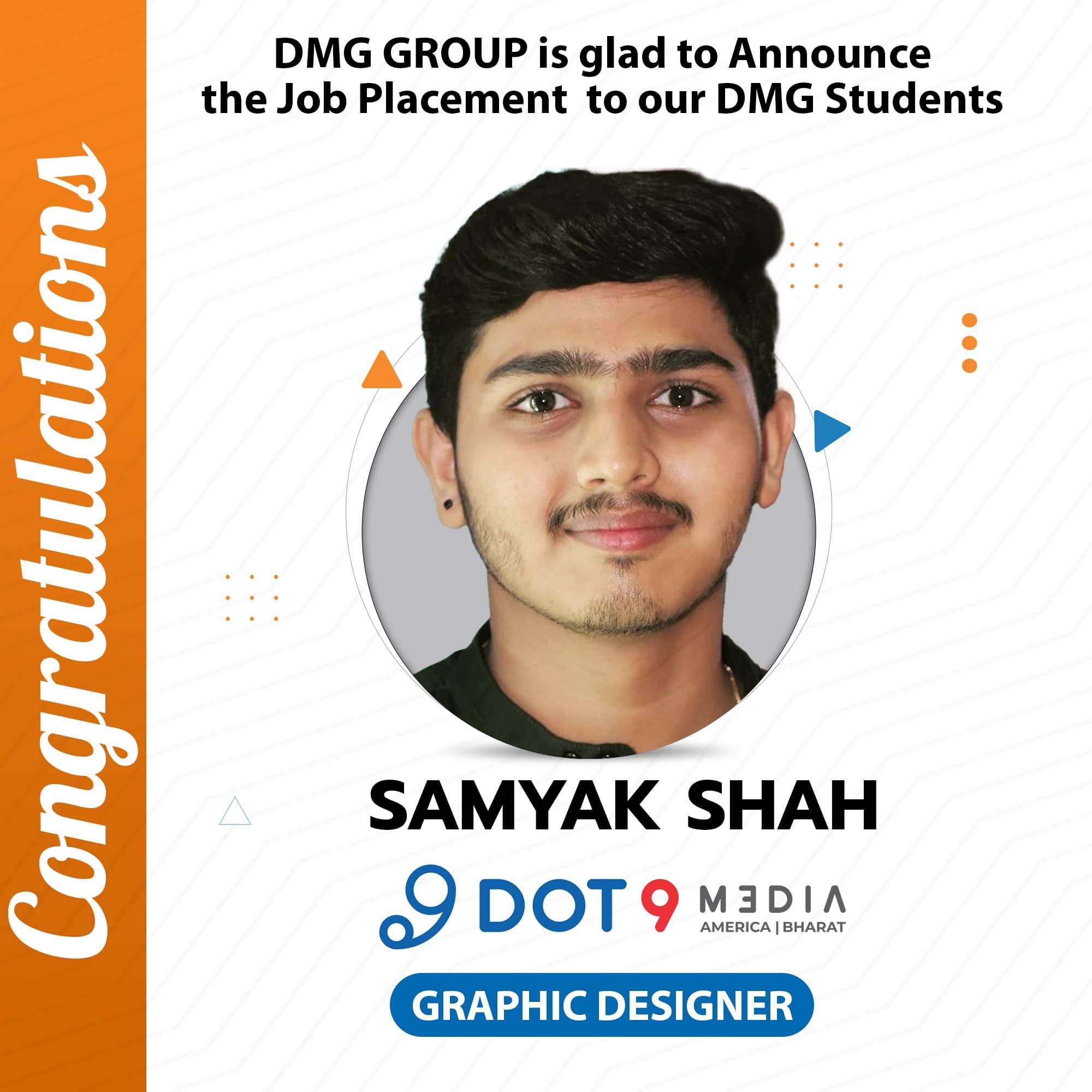


Students Comes From Different Colleges To Learn Our Course
A Journey Of Students From Different Colleges To Our Graphic Design Institute
Disclaimer: We Want To Emphasize That We Have Successfully Conducted Workshops And Seminars In Various Colleges. Students From These Colleges Have Come To Us For Learning And Internships, And We Are Happy To Report A 100% Job Placement For Them. It’s Important To Note That We Do Not Have Any Affiliations Or Collaborations With The University; The Students Come To Us Independently. we don’t have rights of below logo, the Rights To Their Logo Are Solely Retained By The Company Itself.